Go-live is ten weeks out. Someone on the steering group asks the question: if we buy WalkMe or Whatfix, do we still need training videos?
Most answers you’ll find are written from the tool’s side. The person running the rollout has a budget line, a set of roles to train and a date that won’t move.
The three options on your table
With ten weeks to go, the steering group is usually weighing three things:
- A digital adoption platform (DAP). This is an overlay inside the application that shows tooltips, walkthroughs and prompts. SAP WalkMe, Whatfix and Pendo are the familiar names. Deployment means adding a snippet to the application or having IT push a browser extension to users.
- Videos made in-house. Your L&D team or super users record the screens with a capture tool, then edit and upload.
- A commissioned video library. A studio films your own configured system, scoped by role, and delivers a finished library to your LMS.
You can combine them. Budget and attention are finite, though, so it helps to know what each one is best at.
Who a digital adoption platform suits
A DAP works well for in-the-moment prompts on high-volume, simple flows. Think of submitting an expense, raising a request in a service portal, or the one mandatory field everyone forgets. The user is already in the app, and a nudge at the right spot saves a help-desk ticket.
If your main problem is people fumbling a short, frequent task inside the system, a DAP is a sensible buy.
Where in-house training videos run out of road
Recording the screen is the easy part. The trouble is everything around it.
A usable library means scripting by role, setting up a sandbox with clean data, recording consistently, writing captions and transcripts, packaging for the LMS, and testing it there. Then the platform ships its next scheduled release, and someone has to find every video that shows the old screen and record it again.
That usually falls to the same super users who are already fielding screen-shares. It’s also why the tool choice matters less than it first appears.
What a commissioned video library covers
A video library teaches the task properly: the whole workflow, the reason behind each step, and what the screen should look like when it’s done.
| What you need | What a commissioned library gives you |
|---|---|
| Your exact screens and roles | Filmed in your configured system, with your fields, picklists and approval steps. Scoped by role: the approver in Workday, the fulfiller in ServiceNow, the sales rep in Salesforce. |
| Training before go-live and outside the app | Watchable in the LMS, in onboarding, from a link in a help-desk reply, or embedded in a knowledge base or in-app help panel. |
| No real data on screen | Filmed in a sandbox with synthetic data, or in production with records redacted, whichever your security review approves. |
| Accessibility | WebVTT and SRT captions plus a transcript for every module, targeting WCAG 2.2 AA. |
| Several languages | Your product and brand terms kept exactly as written in every language, with captions and transcripts per language. |
| LMS delivery | MP4, SCORM 1.2 and SCORM 2004 (4th Edition) packages tested in your LMS during UAT. xAPI where your LMS supports it. |
| UI changes after a release | Only the affected modules are re-cut, in days, with captions kept in sync. |
| Ownership | The finished library is handed over to you outright. |
If your procurement asks for WCAG conformance and a security review, these rows matter most.
Using a DAP and training videos together
Give each format the job it does best.
If people need to understand the task, teach it with a video. If they only need reminding where the button is, a prompt is enough.
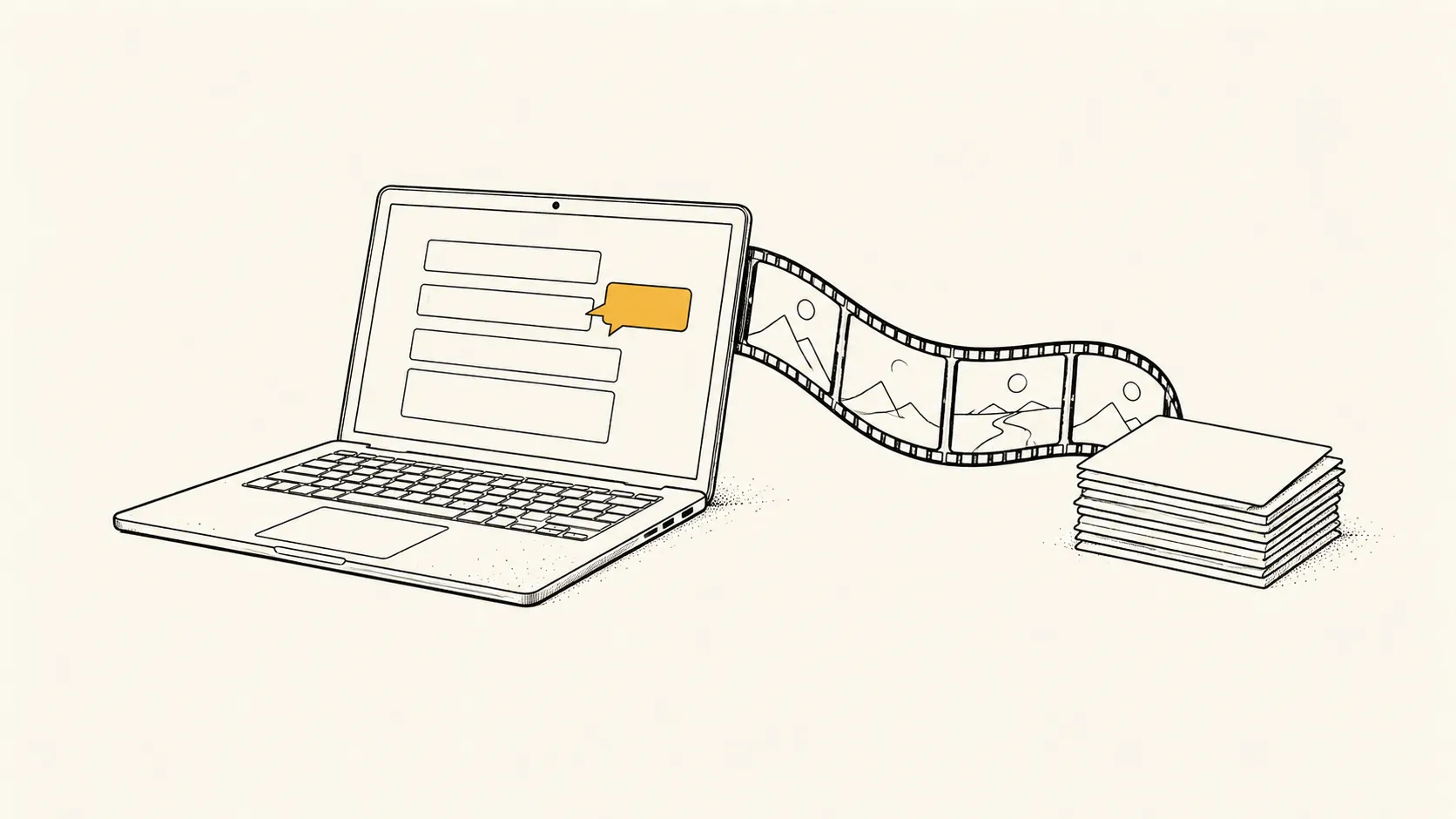 FIG. 01 · The prompt reminds, the video teaches.
In practice, that looks like this:
- Before go-live, assign each role its short path of task videos in the LMS. Each one runs 90 seconds to 4 minutes.
- At go-live, turn on DAP walkthroughs for the handful of high-volume flows.
- Link the matching video from the DAP’s help panel, so a user who’s stuck can watch the full task without leaving the page.
- Give the help desk the same links. The five questions they answer every day become a reply with a two-minute video.
- After each release, re-cut the videos that changed and update the DAP steps that moved.
Questions to settle before you buy
- Which roles need to be competent on day one, and which tasks do they run most?
- Where will people look for help: in the app, in the LMS, or in a help-desk reply?
- Do you need captions, transcripts and several languages to pass procurement?
- How often does the platform ship UI changes, and who will update the training when it does?
If the answers point to role-based training that works before go-live, outside the app and across releases, scope the video library first.
Seismic produces training video libraries filmed in your own configured system and delivered ready for your LMS. Book a discovery call and bring your go-live date and role list.