The marketing site is the summary. This is the spec — every format, every standard, every deliverable. Written for technical buyers and procurement teams who want the detailed version before booking a discovery call.
Audience
IT, procurement, change & L&D
Source of truth
Internal capabilities audit
Sections
Nine · ~ 9 min read
Last reviewed
April 2026
Output formats
Every format your LMS expects.
One library, the formats your downstream channels expect. The video, the captions, the transcript, and the SCORM package all describe the same content with the same screenshots and the same narration — whether a learner opens the LMS module, scans the transcript, or reads along with captions, they see the same training.
Video
MP4 (H.264, AAC) at 1080p, 30fps. Per-module file sizes optimized for LMS upload limits.
Captions
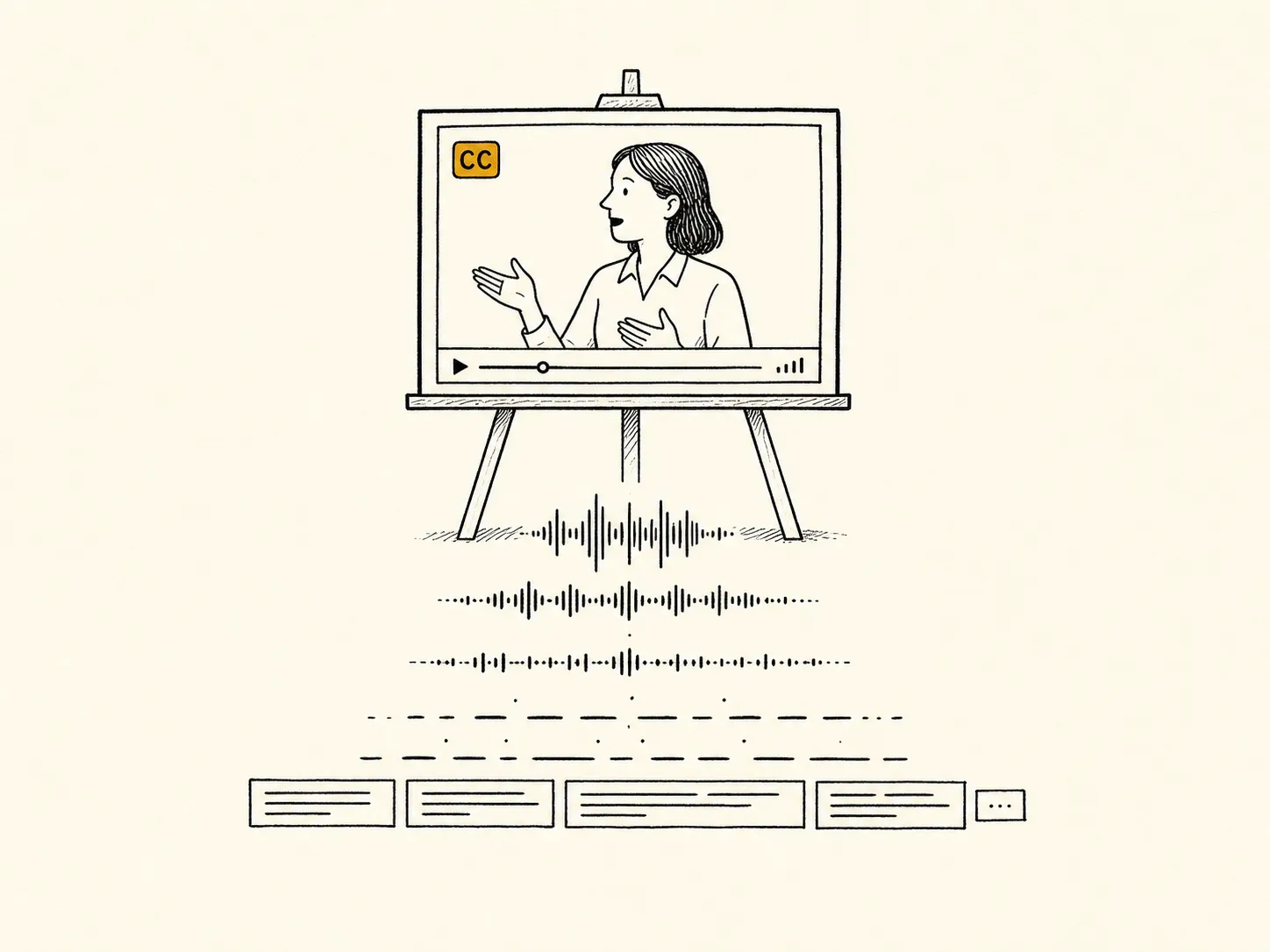
.vtt (WebVTT) and .srt shipped with every video. Plain-text .txt transcript per module for search, screen readers, and re-use by your help-desk and content teams. Captions stay in sync with audio across re-cuts and revisions.
SCORM packages
SCORM 1.2 and SCORM 2004 (4th Edition) for LMS upload. Per-language packages with completion thresholds configurable per engagement; verified in your LMS during UAT.
Production characteristics
Real footage of your real system.
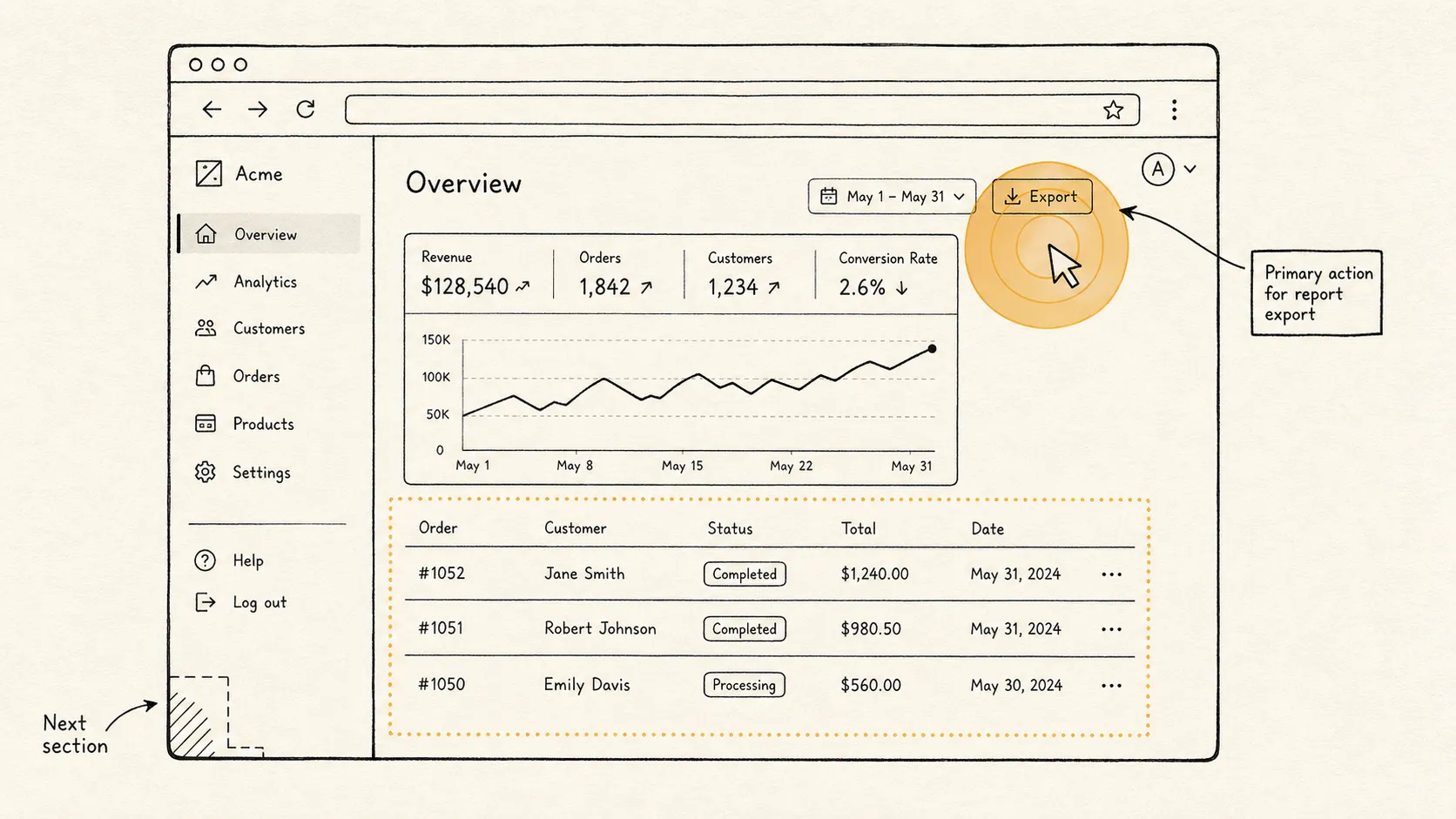
We capture your configured software live, in a browser session, and layer motion graphics on top — cursor highlights, click rings, callouts, section transitions. Narration is high-quality TTS, voiced per project. The finished library shows your actual system: your tenant, your fields, the workflows your team runs every day.
Source material
Captured against your live, configured system — your tenant, your fields, your data (or substitution-redacted equivalents). Real screens of real software.
Narration
High-quality voice synthesis with per-project voice selection and pronunciation handling for domain-specific terms — product names, acronyms, internal jargon. Brand and product names are preserved verbatim, with pronunciations locked in during discovery so they read correctly on first listen.
Motion graphics
Cursor highlights, click rings, callouts, zooms, and section transitions, all in the project's brand vocabulary (see Brand customization). Consistent across every module in the library.
Audio & visual sync
Highlights stay in place across re-cuts and script revisions; visual events stay locked to narration beats.
Fast revisions
A change in one module re-cuts that module only. Most revisions land in hours.
Multilingual
Twenty-nine languages out of the box; two delivery modes.
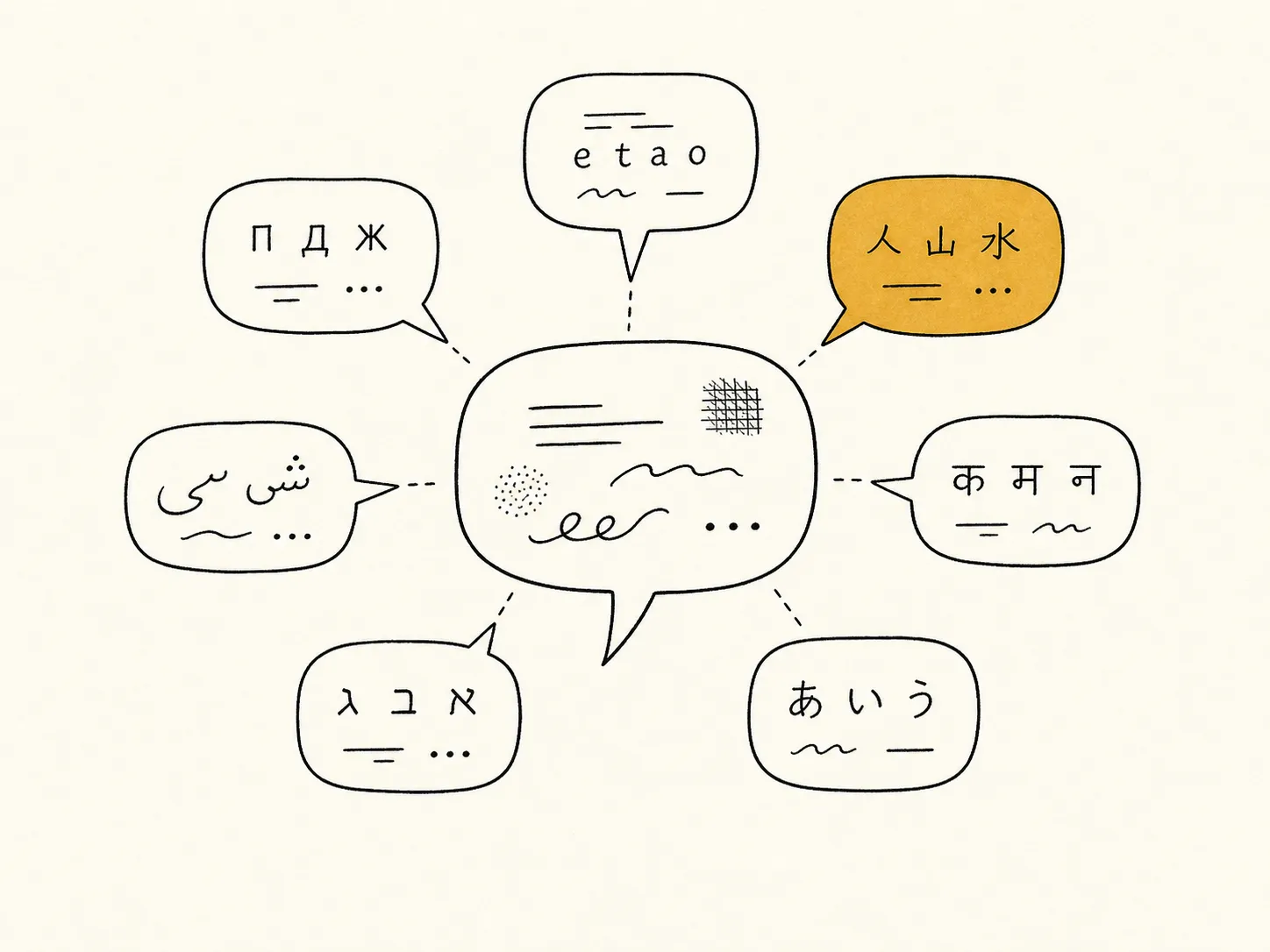
Translation is built into the engagement and produced in the same run as the source-language library. Two delivery modes; pick whichever matches your audience and budget.
Mode A · Default
Fully localized library
Native narration in the target language. Captions and transcripts in the target language. Per-language voice with pronunciation handling for terms that lose meaning in translation. The library sounds like it was made in that language.
Mode B · Cost-friendly
Captions-only addition
The video stays in the source-language audio; translated captions and transcripts are added on top. A good fit for technical audiences or internal tools where budget matters more than fully localized voice.
Languages
29 out of the box.
English (US/UK)Spanish (LatAm/ES)French (FR/CA)GermanItalianPortuguese (BR/PT)DutchPolishCzechSwedishNorwegianDanishFinnishGreekRomanianHungarianTurkishRussianUkrainianArabicHebrewJapaneseKoreanMandarinCantoneseVietnameseThaiHindiIndonesian
Per-language voice
Multiple voice options per language. Tone is selected during discovery, sampled before sign-off.
Pronunciation handling
Domain-specific terms are pronounced correctly in every language. The lexicon is captured during discovery and applied across all languages.
Brand-term preservation
Product names, internal codenames, and trademarked terms preserved verbatim across all translations.
SCORM packaging
Per-language SCORM packages, or a single multi-language package depending on LMS preference.
Accessibility
WCAG-aligned by default.
Accessibility is built in from the start. We target WCAG 2.2 Level AA across the deliverable by default; anything beyond is scoped during discovery.
Criterion
Standard
Status
Captions, prerecorded
WCAG 2.2 SC 1.2.2 (Level A)
Met
Audio description or media alternative, prerecorded
WCAG 2.2 SC 1.2.3 (Level A)
Met (transcript-based)
Audio description, prerecorded (separate track)
WCAG 2.2 SC 1.2.5 (Level AA)
Not by default · scoped on request
Contrast (minimum)
WCAG 2.2 SC 1.4.3 (Level AA)
Met (player UI)
Keyboard operability
WCAG 2.2 SC 2.1.1 (Level A)
Met (player UI)
Section 508 (US federal)
Refresh, 2018 — 36 CFR Part 1194
Aligned (see notes during scoping)
Caption formats
WebVTT and SRT, both shipped with every video.
Transcripts
Plain-text .txt per module. Searchable, screen-reader-friendly, indexable in the LMS.
Caption stability
Captions stay locked to audio across re-cuts. Revised modules keep their caption tracks in sync with the new audio.
Player UI
AA contrast and keyboard-operable. Works with major screen readers; tested with VoiceOver and NVDA.
Brand customization
Built to your brand.
Every library carries your visual identity, voice, and tone — applied consistently across every module so the result reads as your library. Brand specifics are captured during discovery; you approve the look once, and we apply it across every module from there.
Sensitive data handling
Real workflows. Synthetic records.
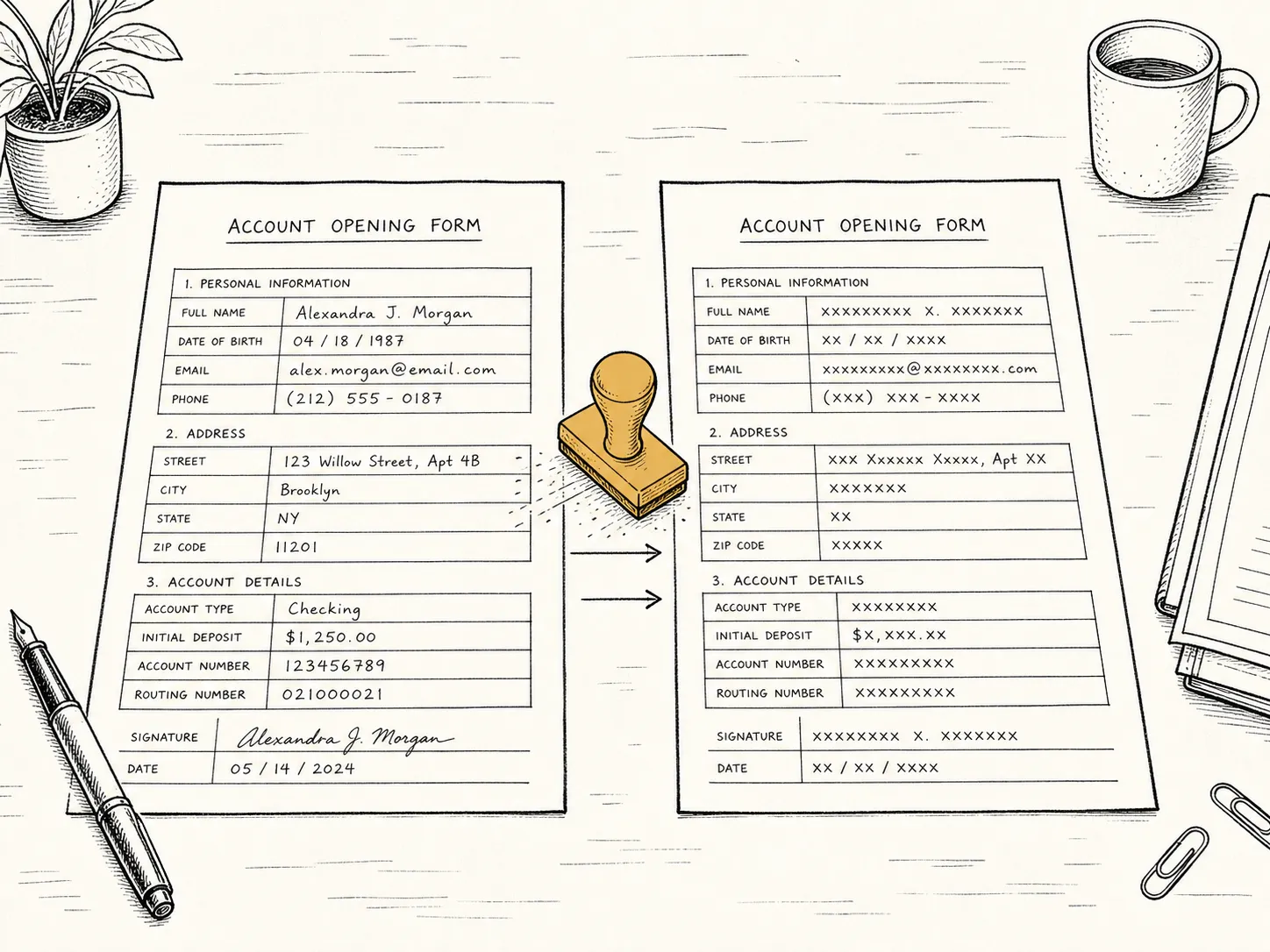
Most training shows real records on real screens. We swap the records for synthetic equivalents that look and behave the same — same layout, same length, same shape — so the walkthrough is real but the data isn't yours.
Approach
Substitution: real text values are replaced with synthetic equivalents that preserve layout, length, and visual rhythm. The workflow on screen stays real; the data underneath is synthetic.
Holds up in dynamic UIs
Substitutions stay applied as the UI updates — clicks, filters, modals, and re-renders inside SPAs.
Field-level rules
Names, account numbers, addresses, dates, internal IDs — each gets its own substitution policy, set during discovery and applied uniformly across the library.
When substitution isn't enough
Some workflows only trigger on specific record types, or rely on values that aren't DOM text (chart labels, embedded PDFs, avatar imagery). For those, we work inside your environment on access you control, with captures scrubbed before they leave. Discovery flags this up front.
Regulated environments
For HIPAA-, SOC2-, or PCI-scoped engagements, we sign the appropriate BAA or addendum and operate inside your controls. Production runs against the interface; data stays in your environment throughout.
Standards & compliance
Where we align.
A reference table for procurement and security teams. Standards we align with on every engagement, with documentation and questionnaire responses available during discovery.
Area
What we offer
Status
WCAG 2.2
Level AA across the deliverable; specific criteria listed in §05. Audio Description AA on request.
Aligned
Section 508
2018 Refresh alignment for produced content. VPAT available on request.
Aligned
SCORM
1.2 and 2004 (4th Edition). Per-language packages, verified in your LMS during UAT.
Compliant
SOC 2
We do not hold a SOC 2 Type II report. Security questionnaire responses available; we operate inside your controls during engagements.
Not certified
ISO 27001
Not certified. Security posture documented and shared during procurement.
Not certified
HIPAA
We sign BAAs and operate inside your controls for healthcare engagements. HIPAA itself is a regulation rather than a vendor certification.
BAA on request
GDPR / CCPA
Standard DPA with subprocessor list. EU and US data-handling clauses supported.
Supported
FedRAMP
Not authorized. Public-sector engagements scoped on a case-by-case basis with appropriate flow-down.
Not authorized
Engagement & handoff
How the work moves from us to you.
A turnkey deliverable, reviewed in a shared workspace and handed over in full at close.
UAT
Drafts reviewed in a shared workspace where you can comment on a frame, a line, a pace. Revisions land in hours.
Final delivery
Finished MP4s, caption sidecars, and SCORM packages — uploaded and tested in your LMS during UAT, handed over only after they work there.
Yours outright
The finished library is yours: the videos, the captions, the SCORM packages — license-free, royalty-free, with no per-seat or per-view fees and no platform lock-in.
Common questions
Short answers, between the spec and the call.
The technical questions buyers typically ask between reading the spec and booking a discovery call. Anything not covered here gets answered on the call.
What output formats do you deliver?
MP4 video for streaming and download, WebVTT captions and SRT subtitle files alongside every video, and SCORM 1.2 + SCORM 2004 packages for LMS upload. The finished library is transferred to you outright at engagement close.
What captioning and accessibility standards do you meet?
WCAG 2.2 Level AA across the deliverable by default — captions and transcripts on every video, AA contrast and full keyboard operability in the player UI. Audio description on a separate track is scoped on request. Section 508 alignment and country-specific accessibility regimes covered against the same baseline; full statement on the accessibility page.
Can the library be localized into other languages?
Yes. Localization is engineered into the production workflow — narration is generated by AI voices and validated by native speakers, which is what makes consistency and turnaround predictable across additional languages. Captions and transcripts are regenerated in the target language; on-screen UI captures are swapped where the system itself is localized. Per-engagement scope confirms language list, voice selection, and pronunciation handling.
How do you handle screen captures of software that changes frequently?
Captures are scripted and re-runnable: the workflow that produced the original frame can be re-executed against the current build. When the UI changes, only the affected modules need to be re-cut, and the change lands in hours, not weeks. This is the engineering work behind the production system.
What rights do we get over the finished library?
Full ownership of the finished deliverables — the videos, caption sidecars, and SCORM packages — license-free and royalty-free, with no per-seat or per-view fees and no platform lock-in. Use them in your LMS, on your intranet, or anywhere else you need them.
What about hosting and analytics?
We deliver to your LMS, your hosting, or your CDN — we do not run a player or hosting service. If you want server-side analytics or completion tracking, we package SCORM to integrate with whatever LMS reports you already use.
Bring the system you need trained on. Leave with a scoped path.
Thirty-minute discovery call. Anything not covered above gets answered then.