Custom software training libraries, produced in days, not months.
A boutique production studio for enterprise L&D, IT, and change teams. We produce software training videos for vendor SaaS, internal web apps, and legacy systems no one else will touch — delivered as a complete training library, in days.

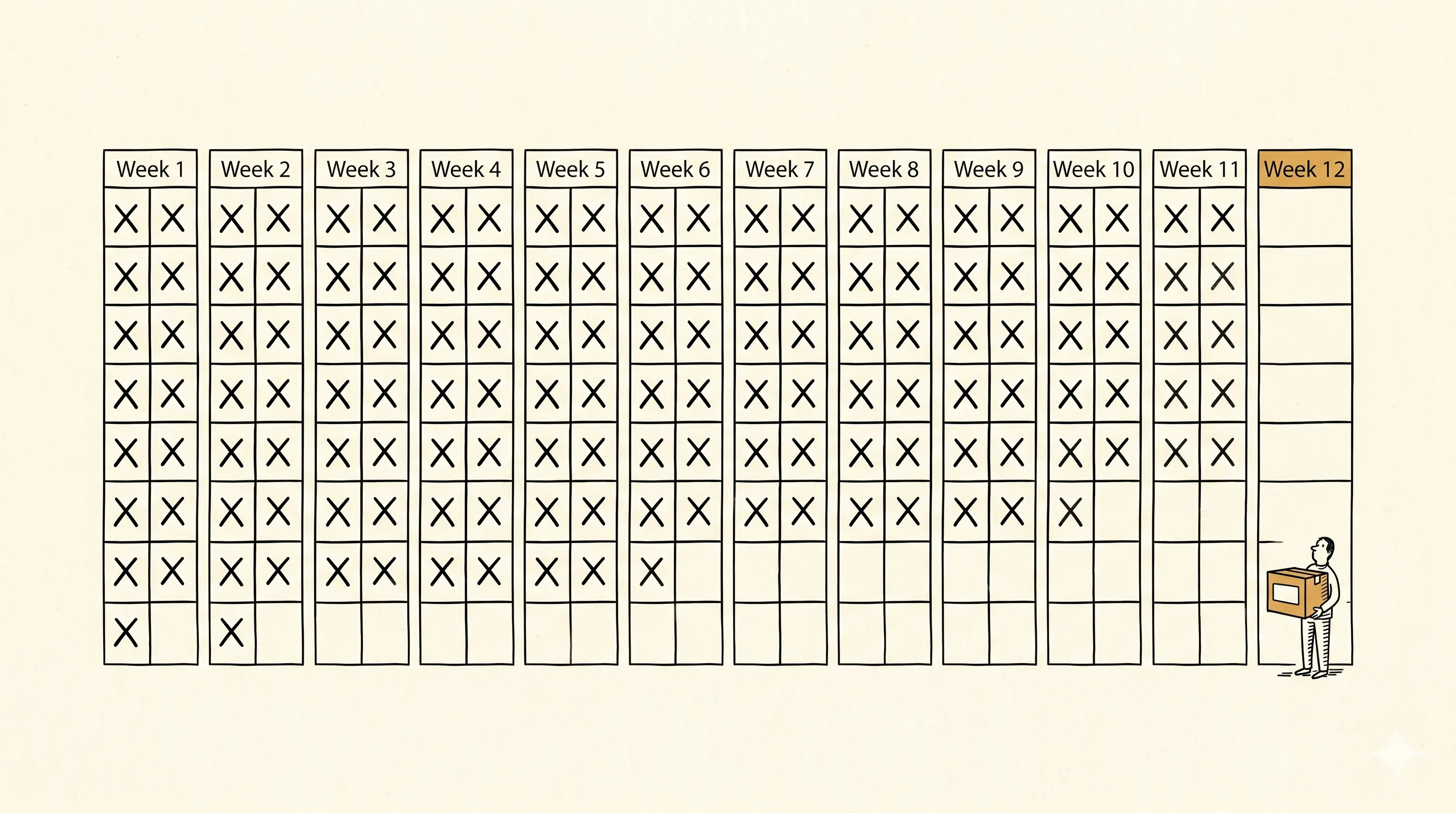
Training production is still a twelve-week project, and most of what ships gets ignored.
"We rolled out the new system in Q1. We're still waiting on the training content that was supposed to ship with it."
The workflow hasn't changed in twenty years. Agencies gather requirements, hire on-camera talent, book studio time, record, edit, iterate through rounds of SME review, and finally hand you a deliverable, by which time the software it documents has already shipped two releases. You pay premium rates for a production timeline that belongs to broadcast television.
The alternatives are worse. Self-service tools produce content that looks self-serviced. Internal teams can't get the cycles. Your employees end up learning from a Confluence page and a Loom someone recorded at their desk.
Try recording one yourself. Pick a workflow you know cold. Fire up the screen recorder. By the third take you've fluffed a click, said "um" twice, and watched the cursor wander somewhere it shouldn't. Recording one clean training video is harder than it looks. Recording forty in a consistent voice and style is what most enterprise rollouts need. It's why most rollouts ship without the training that was supposed to ship with them.
- 01Eight to twelve week timelines.Discovery, scripting, recording, editing, review, revision, delivery: sequential, slow.
- 02Pricing built for a labor-intensive model.Finished-hour rates assume weeks of studio and editing time per hour of output. The math hasn't been updated since the workflow was set.
- 03Fragile production.Narrator changes, brand refreshes, and UI updates trigger a full re-record. Revisions are a re-scope.
- 04Stale on arrival.The system changes during production. The training describes a version no one uses anymore.
- 05One-size-fits-none platforms.Vendor training exists for the vendor's happy path. It ignores the twelve custom fields your team actually uses.
- 06Designed to be completed, then forgotten.Most training is measured by completion rate. Whether anyone actually learned is a different conversation. Employees click through and retain almost none of it, especially when the training feels disconnected from the actual work.
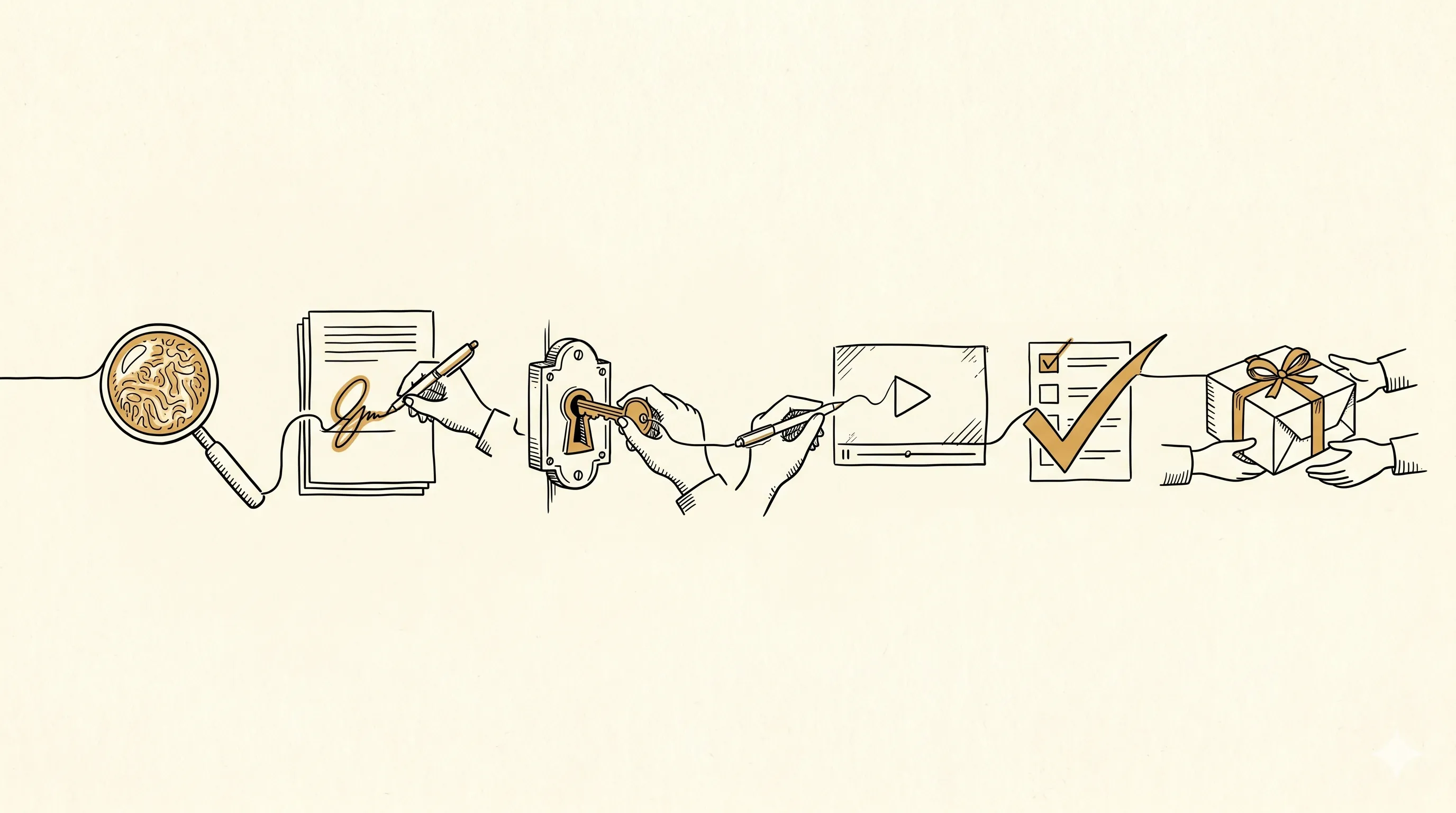
All the phases enterprise procurement expects. None of the wait.
Six phases from first call to delivered library. You review; we produce. Production happens at engagement pace, free of studio calendars and narrator schedules.
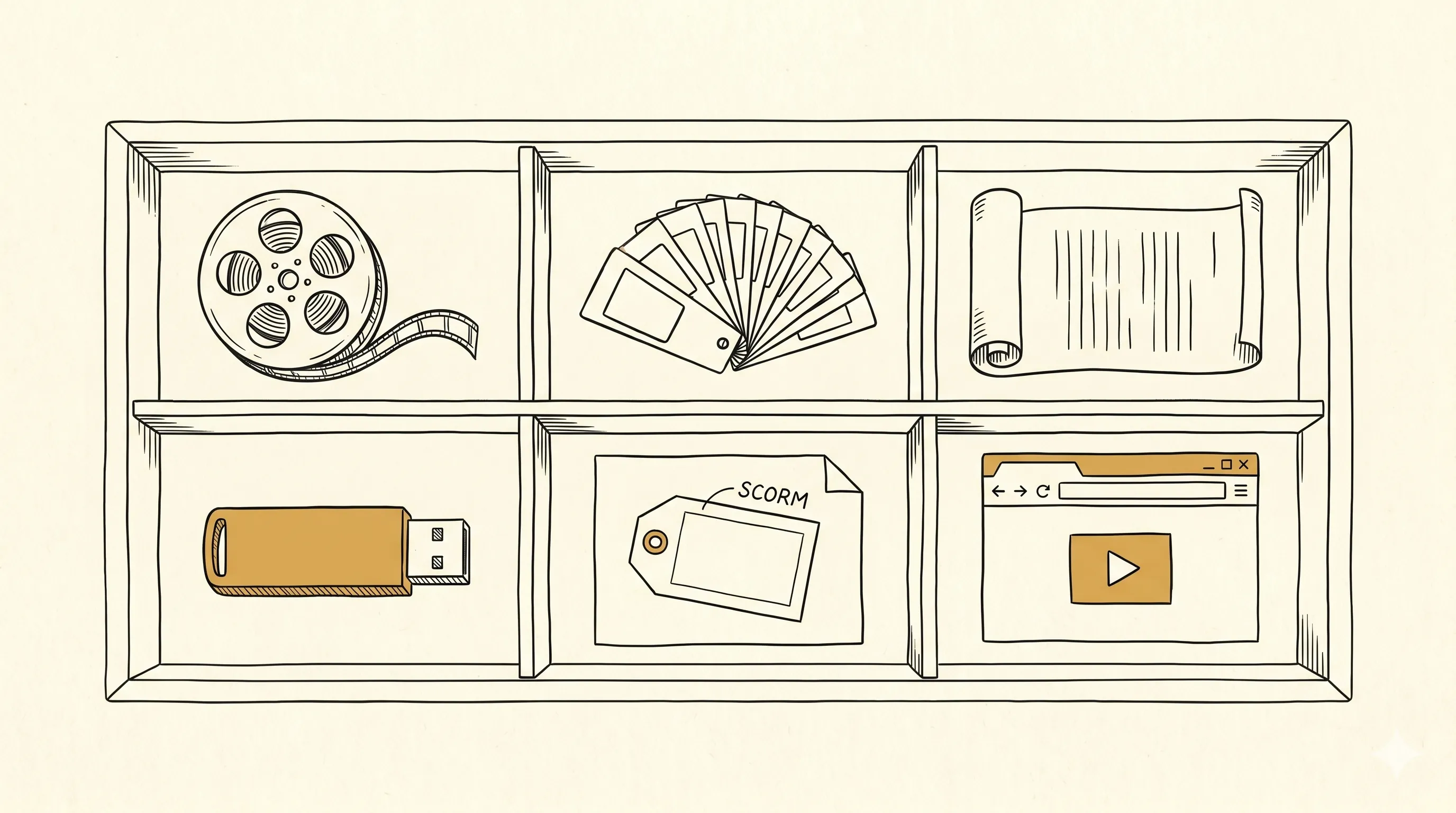
Training videos, captions, SCORM — produced as one library.
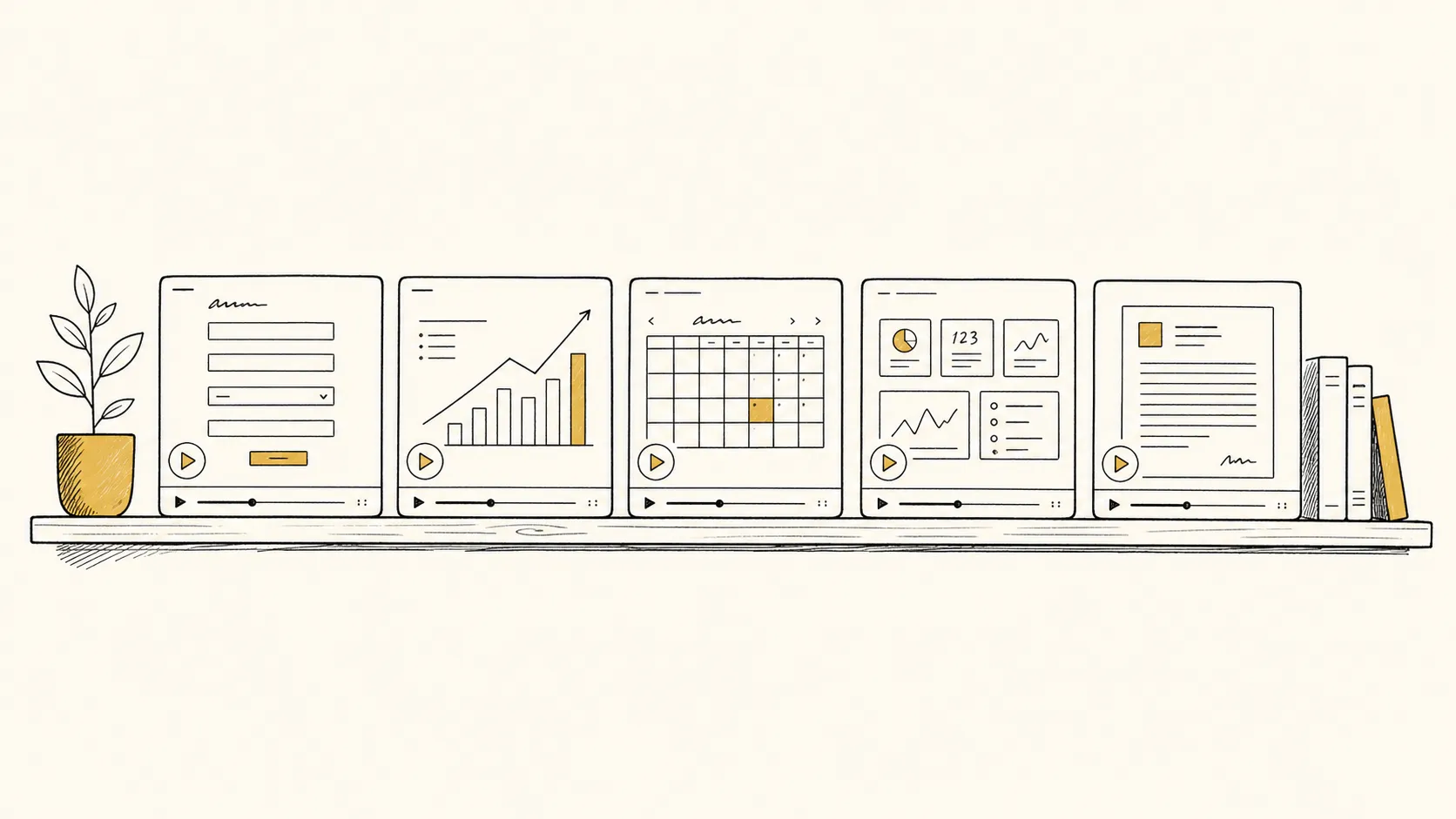
MP4 videos with synchronized captions, transcripts, and SCORM packages — produced together as one library, with a consistent voice and visual system across every module.
A coherent library, MP4 + captions + SCORM
Task-based narrated video tutorials with synchronized captions and SCORM packages — produced as one library, with a single visual system and a consistent voice across every module.
Narrated walkthroughs of your actual system
Walkthroughs of the same software your users will open on Monday morning. Your tenant, your custom fields, the workflows your team actually runs.
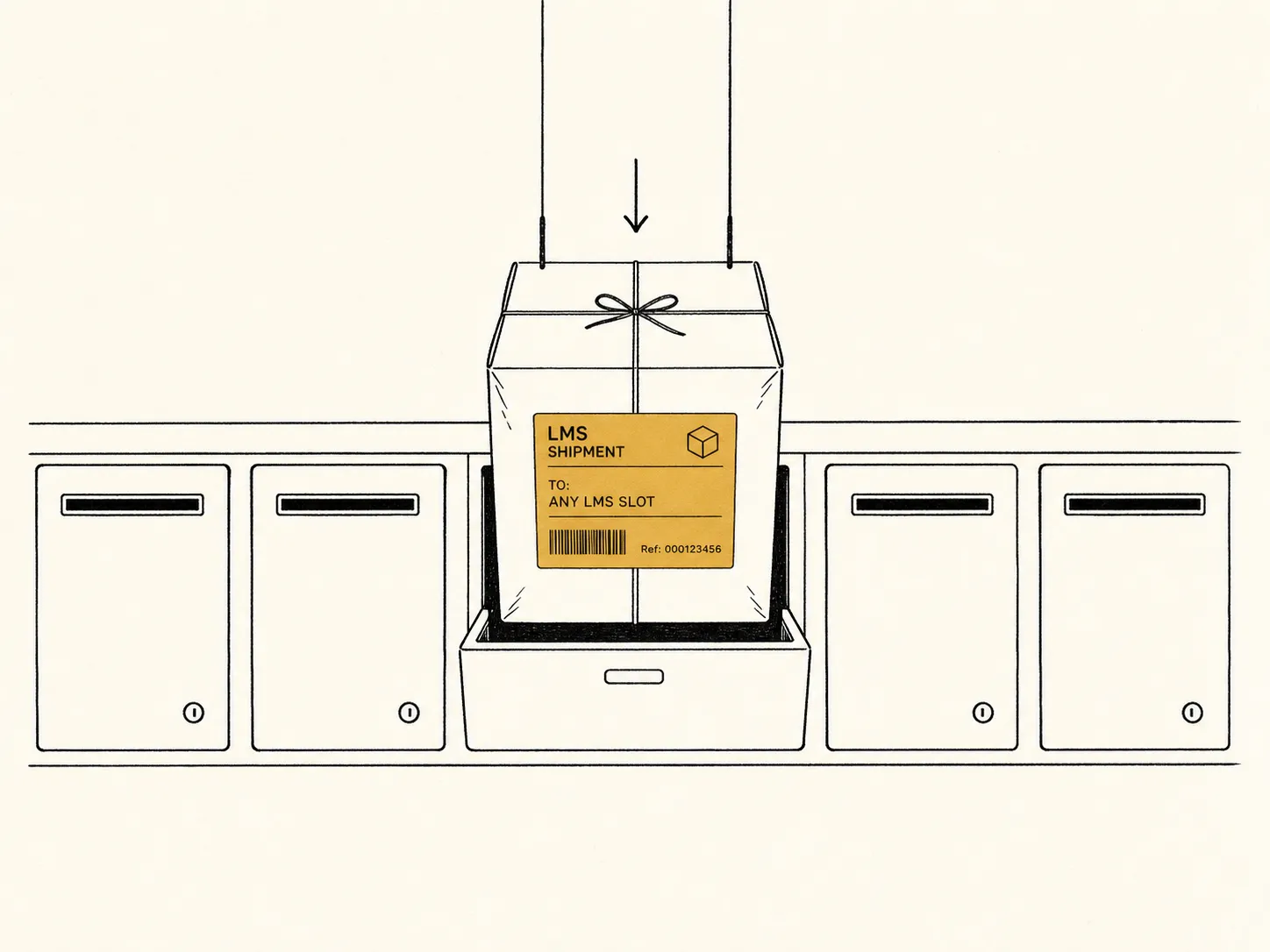
SCORM packages
SCORM 1.2 and SCORM 2004 (4th Edition) packages, verified in your specific LMS during UAT. Per-language packages with completion thresholds configurable per engagement.
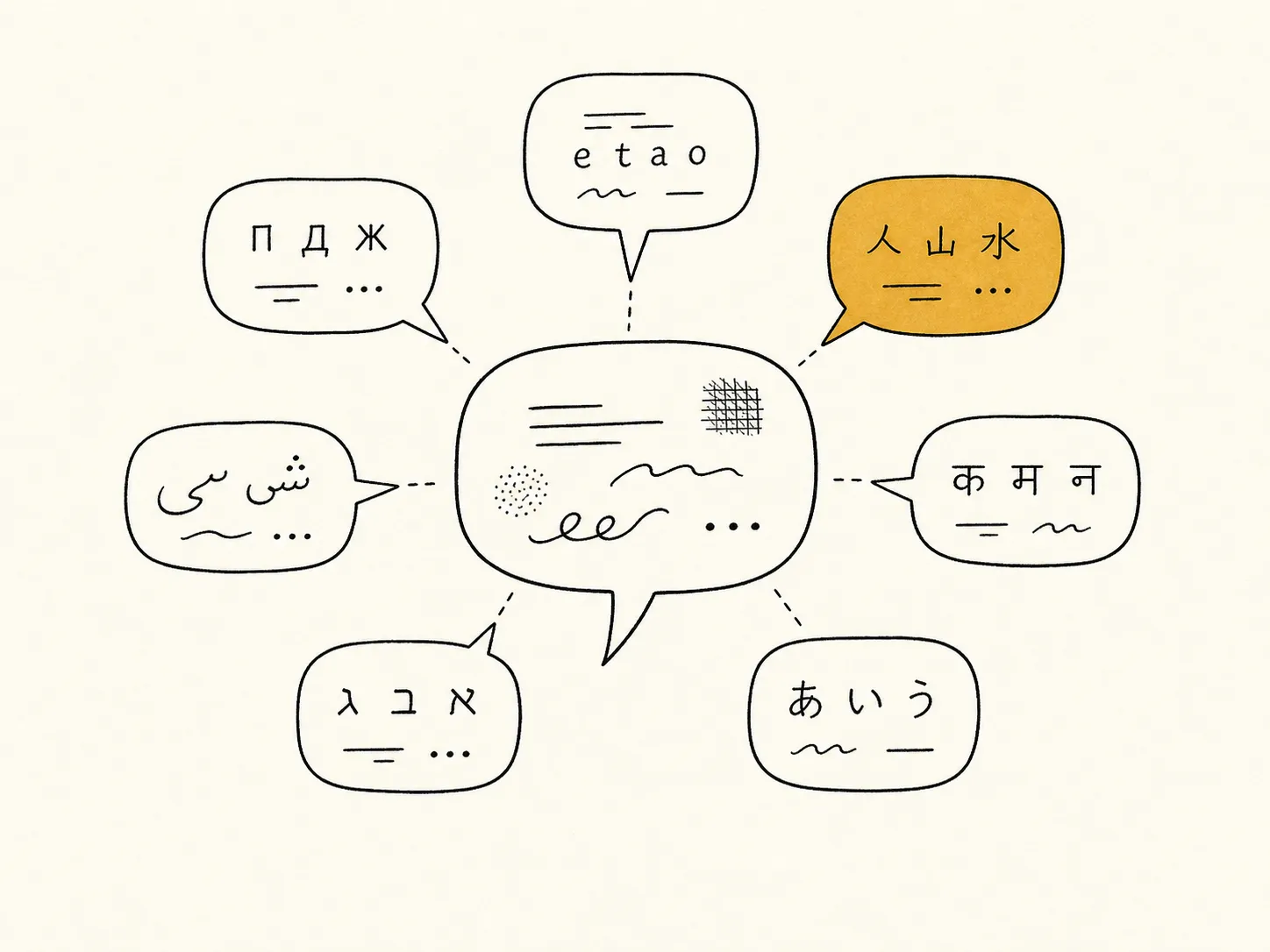
Libraries in every language your workforce needs
Twenty-nine languages, with per-language voice and pronunciation handling for terms that lose meaning in translation. Brand and product names preserved verbatim across every translation.
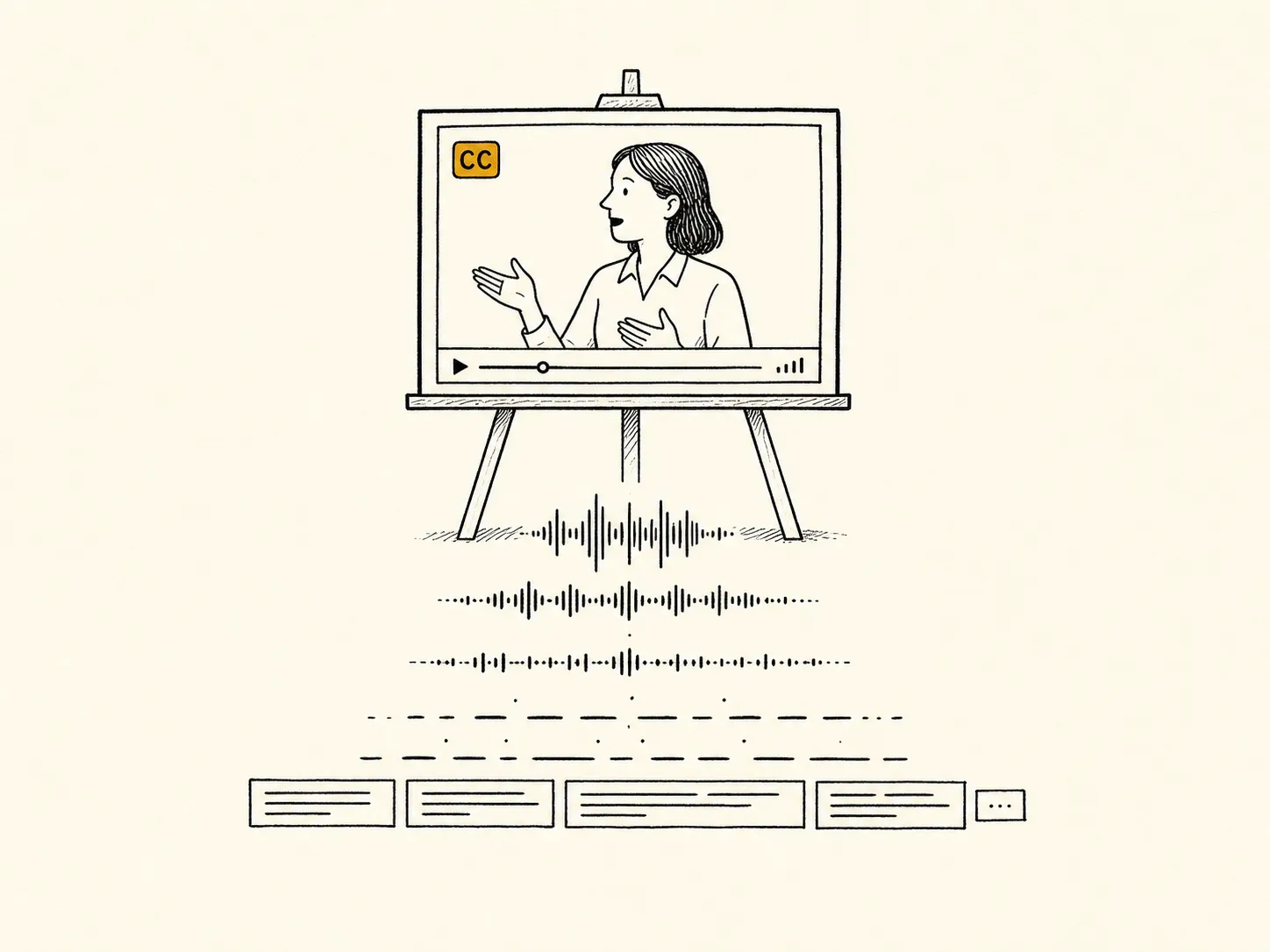
Captions, transcripts, and accessibility
Synchronized captions in WebVTT and SRT, plus searchable plain-text transcripts. They satisfy WCAG 2.2 SC 1.2.2 and SC 1.2.3, and stay in sync with the audio across re-cuts.
For technical buyers and procurement teams: the full spec. Every format, every standard, every deliverable.
See full capability detailAny platform your users need to learn.
Training production is the whole of what we do. Vendor platforms, internal web apps, legacy systems no one else will touch. If your users need training on it, we produce the library.
- SharePoint & Microsoft 365
- Salesforce (Sales, Service, Experience)
- ServiceNow (ITSM, HRSD, CSM)
- Workday (HCM & Financials)
- Microsoft Dynamics 365
- NetSuite, SAP, Oracle Fusion
- Custom ERPs & order systems
- Bespoke CRM & case tools
- Trading, claims, underwriting desks
- EHR and clinical workflow systems
- Internal React/SPA admin tooling
- Internal portals & dashboards
- Epic, Cerner, Meditech (web modules)
- Guidewire, Duck Creek, Majesco
- Jack Henry, FIS, Fiserv
- Browser-delivered vendor portals
- Web-based government systems
- Configured-tenant SaaS of any kind
If you're reading this and thinking "our system is too weird", that's usually the system we do our best work on. Start with a discovery call. We'll come back with a scoped outline, a timeline, and a fixed-fee SOW.
A managed service, built for software that keeps changing under you.

Ship the library when the software ships.
A library you can hand out the day the system goes live, instead of a quarter later. Revisions land in hours, billed under the same engagement.

Any platform, including the one nobody else will touch.
We're built for systems with no public documentation, no vendor materials, and no one still around who built them.
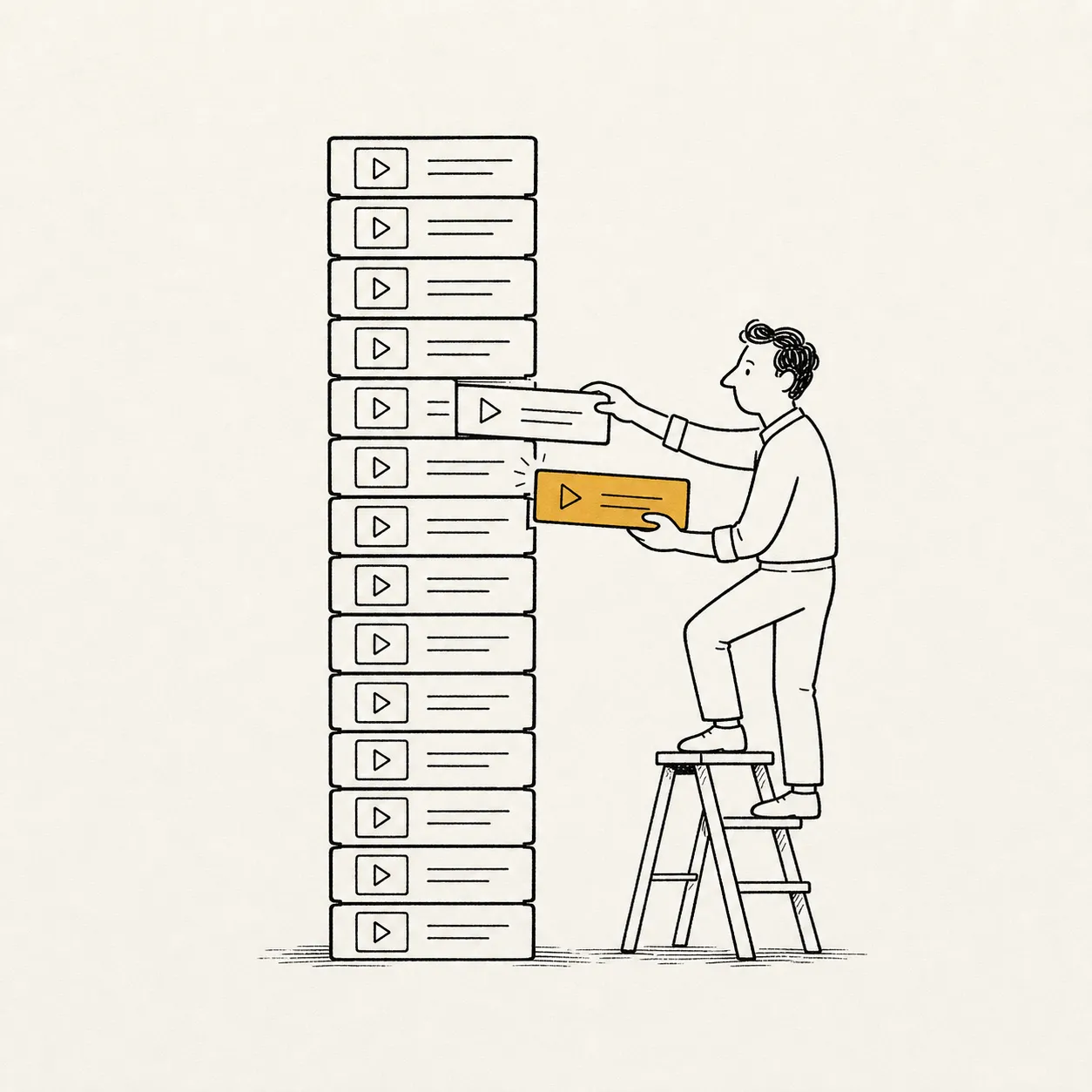
The library moves with the software.
Most vendors hand off a library and walk away. Six months later it's stale. We update yours on a monthly cadence as the underlying system changes: Salesforce release, Workday update, whatever your internal team shipped last sprint. Updates roll under the retainer.
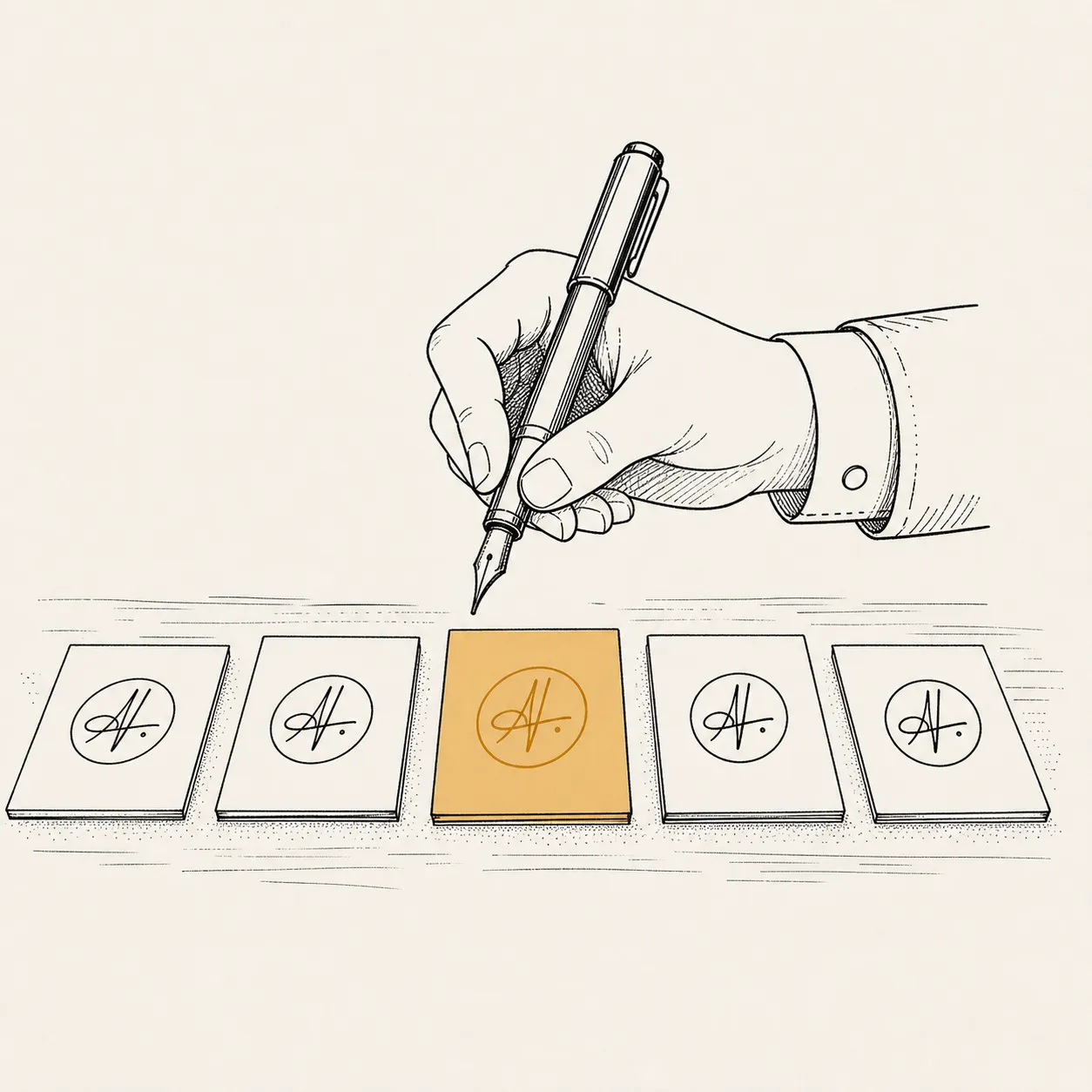
Every module sounds like the same studio made it.
Because the same studio did. One voice, one pace, one visual system across the whole library, whether you ship 10 modules or 100. Nothing reads as the seam between two production runs.

Hand us the scope. We hand you the library.
You hand us the scope and your brand. We hand back a finished library: packaged, validated, ready to drop into your LMS. Production work is ours; you handle review and approval.
Real training videos land here as clients clear them.
We'd rather show you one real module than three stock reels. Full libraries shared under NDA during discovery; representative clips go up here as clients give us the green light.
Three ways in.
Scoped engagements with clear deliverables. Outcome-based pricing, fixed against the SOW from discovery.
Discovery
A short paid engagement to understand the system, map the audience, and scope the library. Ends with a concrete SOW you can take to procurement.
- →System walkthrough with your SME
- →Persona & task map
- →Content outline & module count
- →Deliverable-format matrix
- →Fixed-price SOW for the main engagement
Standard library
Full production engagement for a scoped training library. Fixed price against the SOW from discovery. One coherent output, delivered end-to-end.
- →Full script, narration, capture, edit
- →MP4 + WebVTT + SRT + plain-text transcript
- →SCORM 1.2 & SCORM 2004 packaging
- →LMS upload tested during UAT
- →Two UAT review rounds
- →Library transferred outright at handover
Ongoing partnership
For organizations whose software changes faster than annual re-records allow. We keep the library current (new releases, new workflows, new acquisitions) on a monthly cadence.
- →Monthly update cycle
- →Change-driven re-cuts for UI revisions
- →New-module production within the retainer
- →Quarterly content-health review
- →Named production lead
Directional pricing. Engagements typically range from mid-five-figure (focused libraries) to low-six-figure (multi-language, multi-persona, or regulated content). Retainer pricing scales with library size and update cadence. Exact figures confirmed in the SOW; published anchors help buyers self-qualify before booking discovery.
First engagement is closed. More case studies coming through 2026.
Full case studies and references go to buyers in late-stage evaluation, under the standard NDAs that keep client names out of public marketing.

From the studio.
Methodology, deliverable formats, and the engineering behind cheap re-renders. Written for the people procurement sends questions to.
The shelf-life problem in software training
Why most enterprise software training is already out of date — and what changes when re-cutting a module costs hours, not weeks.
Vyond vs Camtasia vs Synthesia: the wrong question for training video
Comparing Vyond, Camtasia, Powtoon, Storyline, Captivate, and Synthesia for training video production. The tool was never the bottleneck.
Why training libraries take twelve weeks (and how to ship in days)
How the traditional eight-to-twelve-week training workflow decomposes — and where a modern production approach collapses time without losing quality.
Questions procurement will ask.
Written for the security, legal, and vendor-management teams who review every new relationship. Short answers here; long answers in discovery.

Most enterprise procurement teams have a standard set of concerns the first time a new vendor approaches. These are ours, answered directly. Anything not covered is usually a question we've answered before. Ask during the discovery call.

Start with a discovery call.
Thirty minutes. Bring the system you need trained on. Leave with a realistic timeline and a fixed-fee path to a scoped proposal.